
What Devices Are Compatible with IPTV Streaming in the UK?
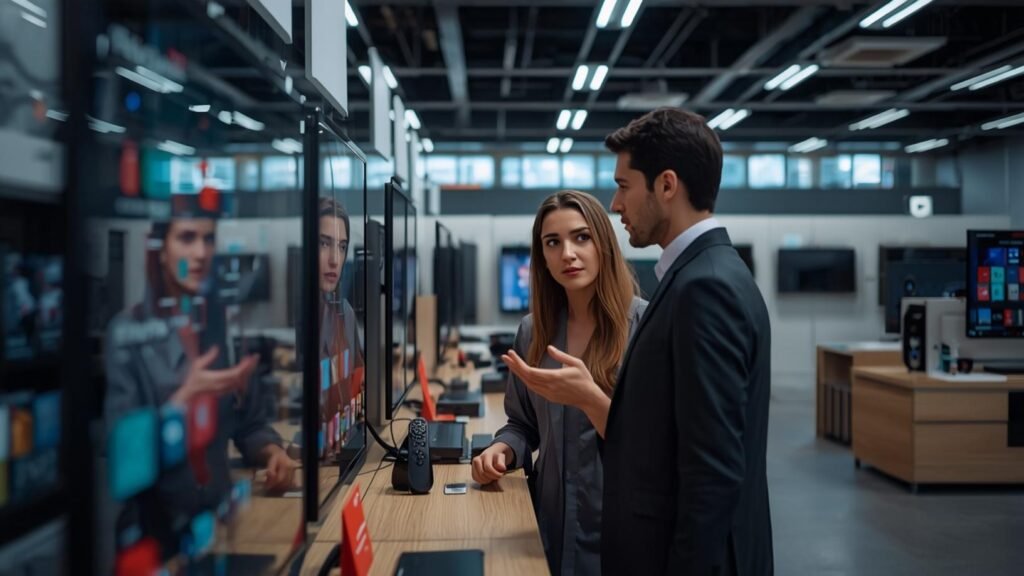
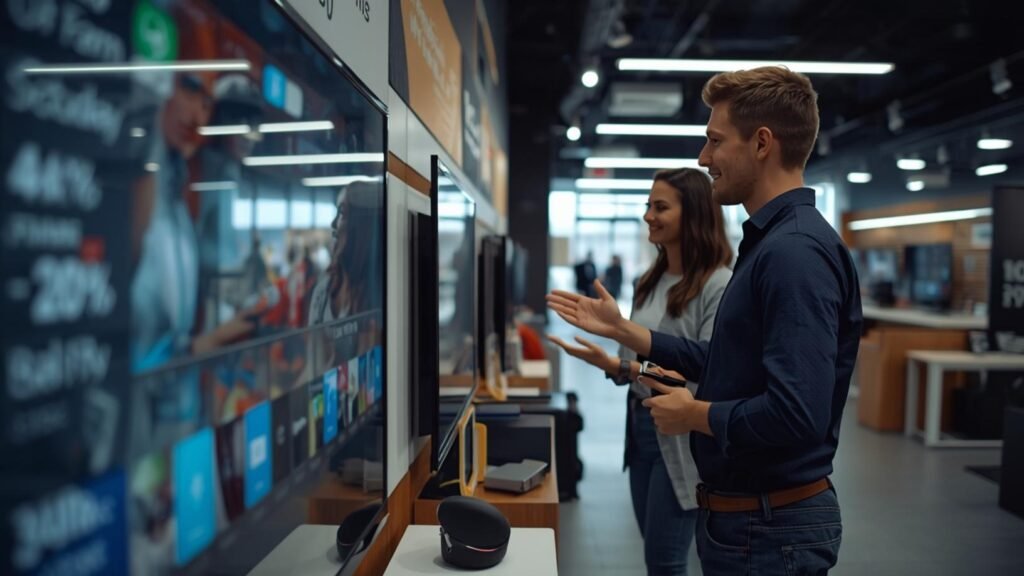
IPTV devices span an impressively wide range of hardware, meaning most UK households can access premium IPTV streaming without purchasing specialist equipment. Whether you own a Samsung Smart TV, an Amazon Firestick, an Android smartphone, or a Windows laptop, there is a reliable path to full IPTV access. Understanding which devices work best — and how to configure each one correctly — saves time and ensures a consistent viewing experience.
With over 8 years of operational experience and more than 18,000 active subscribers across the United Kingdom, STREMOVA has tested every major device category in real-world UK broadband environments. This guide presents authoritative, technically accurate information to help you choose the right setup for your home — whether you are based in London, Manchester, Birmingham, Glasgow, or anywhere else across England, Scotland, Wales, and Northern Ireland.
The compatibility information below covers streaming protocols including M3U and Xtream Codes, EPG (Electronic Programme Guide) support, resolution capabilities from HD and Full HD through to 4K and 8K, and HEVC (H.265) codec requirements — all of which influence the quality of your IPTV experience.
Table of Contents
1) Quick Answer: Which UK Devices Support IPTV?
IPTV is supported across virtually every connected device in a modern UK home. Smart TVs from Samsung and LG support IPTV natively via apps such as Smart IPTV or IPTV Smarters Pro. Amazon Firestick and Fire TV devices support M3U playlist playback after a simple app installation. Android boxes, iPhones, iPads, Windows PCs, macOS computers, and MAG set-top boxes all offer full compatibility with Xtream Codes and M3U streaming protocols. Your broadband provider — whether Sky, BT, Virgin Media, or a local ISP — does not restrict IPTV access in the UK provided you stream from a fully licensed service.
2) Smart TVs Compatible with IPTV Streaming
Samsung Smart TVs (Tizen OS)
Samsung Tizen-based Smart TVs are among the most widely used IPTV-compatible televisions in the UK market. The Smart IPTV application, available directly from the Samsung App Store, supports M3U playlist URLs and full EPG integration. Users can enjoy Full HD and 4K content with AntiFreeze buffering technology built into premium IPTV services such as STREMOVA. Samsung Smart TVs from 2016 onwards are generally Tizen-compatible and suitable for IPTV use.
LG Smart TVs (webOS)
LG webOS televisions support IPTV through the IPTV Smarters Pro application and several M3U-compatible players available via the LG Content Store. WebOS 4.0 and above handles HEVC (H.265) decoding natively, which is essential for efficient 4K and 8K stream delivery at manageable bitrate levels. LG’s Magic Remote enhances navigation within IPTV interfaces, making it a popular choice among STREMOVA subscribers across Birmingham and Manchester. Older LG models running webOS 3.0 or earlier may experience limitations with HEVC streams.
Sony, Philips and Other Android TV Sets
Sony Bravia and Philips televisions running Android TV OS enjoy the broadest IPTV app ecosystem of any smart TV platform, with direct access to the Google Play Store for IPTV Smarters Pro, TiviMate, and other leading IPTV clients. Android TV supports both M3U and Xtream Codes connections, alongside robust VOD (Video on Demand) and catch-up functionality. HEVC hardware decoding is standard on Android TV devices released since 2019, ensuring smooth 4K playback. ✅ STREMOVA is a 100% Legal UK Service compatible with all these platforms.
3) Amazon Firestick and Fire TV Devices in the United Kingdom
The Amazon Firestick remains one of the most popular IPTV access devices in the UK, largely due to its affordability, compact form factor, and straightforward setup process. Fire TV devices run a customised Android-based OS and support sideloading of APK files, which enables installation of IPTV Smarters Pro and similar applications not listed in the Amazon Appstore. The Fire TV Stick 4K Max and Fire TV Cube both support 4K HDR streaming at high bitrates, making them well-suited to STREMOVA’s premium 4K channel offering.
To install IPTV Smarters Pro on a Firestick, users enable ‘Apps from Unknown Sources’ within device settings, then use the Downloader application to retrieve the APK. Once installed, users enter their STREMOVA Xtream Codes credentials — server URL, username, and password — to access all live channels, VOD libraries, and catch-up content instantly. ⚡ Accounts are typically active in under 10 minutes following subscription confirmation. The Fire TV remote’s Alexa voice search does not extend to third-party IPTV apps, but all navigation remains straightforward using standard controls.
STREMOVA’s IPTV Smarters Pro integration works seamlessly on all current Firestick models, including the original Fire TV Stick (1080p), Fire TV Stick Lite, Fire TV Stick 4K, and the premium Fire TV Cube. Older first-generation Firestick devices may struggle with sustained 4K streams due to processor limitations, but perform reliably at Full HD.
4) Android Boxes and MAG Set-Top Boxes
Android TV Boxes
Android TV boxes — such as those running stock Android or Android TV OS — provide the most flexible IPTV experience available to UK subscribers. These devices support the full Google Play Store ecosystem, including TiviMate, IPTV Smarters Pro, and GSE Smart IPTV, all of which offer comprehensive M3U, Xtream Codes, and EPG support. Higher-end Android boxes with Amlogic S905X4 or S922X processors handle 8K HEVC decoding natively, future-proofing your setup for STREMOVA’s expanding 8K content library. Android boxes also support Bluetooth keyboards and mice, which streamline VOD browsing and search.
MAG Set-Top Boxes
MAG devices — manufactured by Infomir — are dedicated IPTV set-top boxes widely used across professional and residential IPTV deployments in the UK. MAG 324, 351, and 520 models support 4K UHD streaming via a Stalker Middleware portal, which STREMOVA can provision directly. These devices do not require Android OS knowledge and present a familiar, television-centric interface that appeals to subscribers who previously used Sky or Freeview boxes. MAG boxes connect to your router via Ethernet or Wi-Fi and display a full EPG automatically upon portal activation.
🎁 Try STREMOVA Free for 24 Hours
Full access to 25,000+ live UK and international channels in HD, 4K & 8K. No commitment. No credit card required.
5) Mobile Devices: iPhone, iPad and Android in the UK
iPhone and iPad (iOS / iPadOS)
iPhone and iPad users in the UK can access IPTV through applications available on the Apple App Store, including IPTV Smarters Pro and GSE Smart IPTV. Both applications support M3U playlist imports, Xtream Codes login, full EPG display, and catch-up television functionality. iPads with ProMotion displays deliver exceptionally smooth Full HD and 4K stream playback when connected to a reliable Wi-Fi broadband connection. STREMOVA subscribers using iOS devices consistently report stable streaming performance on BT and Virgin Media home broadband networks.
Android Smartphones and Tablets
Android devices running Android 5.0 or above are fully compatible with IPTV Smarters Pro, available via the Google Play Store, and with TiviMate, which requires a minor configuration step on some devices. Android’s open ecosystem allows direct APK installation for IPTV apps not listed in the Play Store, broadening compatibility further. HEVC hardware decoding is standard on Android devices manufactured since 2018, ensuring efficient 4K stream delivery even on mid-range smartphones. 📞 STREMOVA provides 24/7 customer support via WhatsApp to assist Android users with any configuration queries.
6) Common Issues & Solutions
Buffering on 4K Streams: Ensure your broadband connection delivers a sustained speed of at least 50 Mbps. Connect your streaming device via Ethernet rather than Wi-Fi where possible, and restart your router before streaming.
EPG Not Loading: Verify that the correct EPG URL has been entered in your IPTV application settings. STREMOVA provides a dedicated EPG URL with each subscription; re-entering this URL resolves the majority of EPG display issues.
App Not Accepting Xtream Codes: Confirm that you have entered the server URL, username, and password exactly as provided in your welcome email. Trailing spaces or incorrect capitalisation are the most common causes of authentication failure.
HEVC Streams Playing Without Audio: This typically indicates that the IPTV application is using a software decoder rather than the device’s hardware HEVC decoder. Switch to hardware decoding within the application’s playback settings.
MAG Box Not Connecting to Portal: Ensure the MAC address registered with STREMOVA matches the MAC address displayed in your MAG box’s system information. Contact STREMOVA via WhatsApp to update your registered MAC address free of charge.
7) Step by Step: Getting Started with STREMOVA
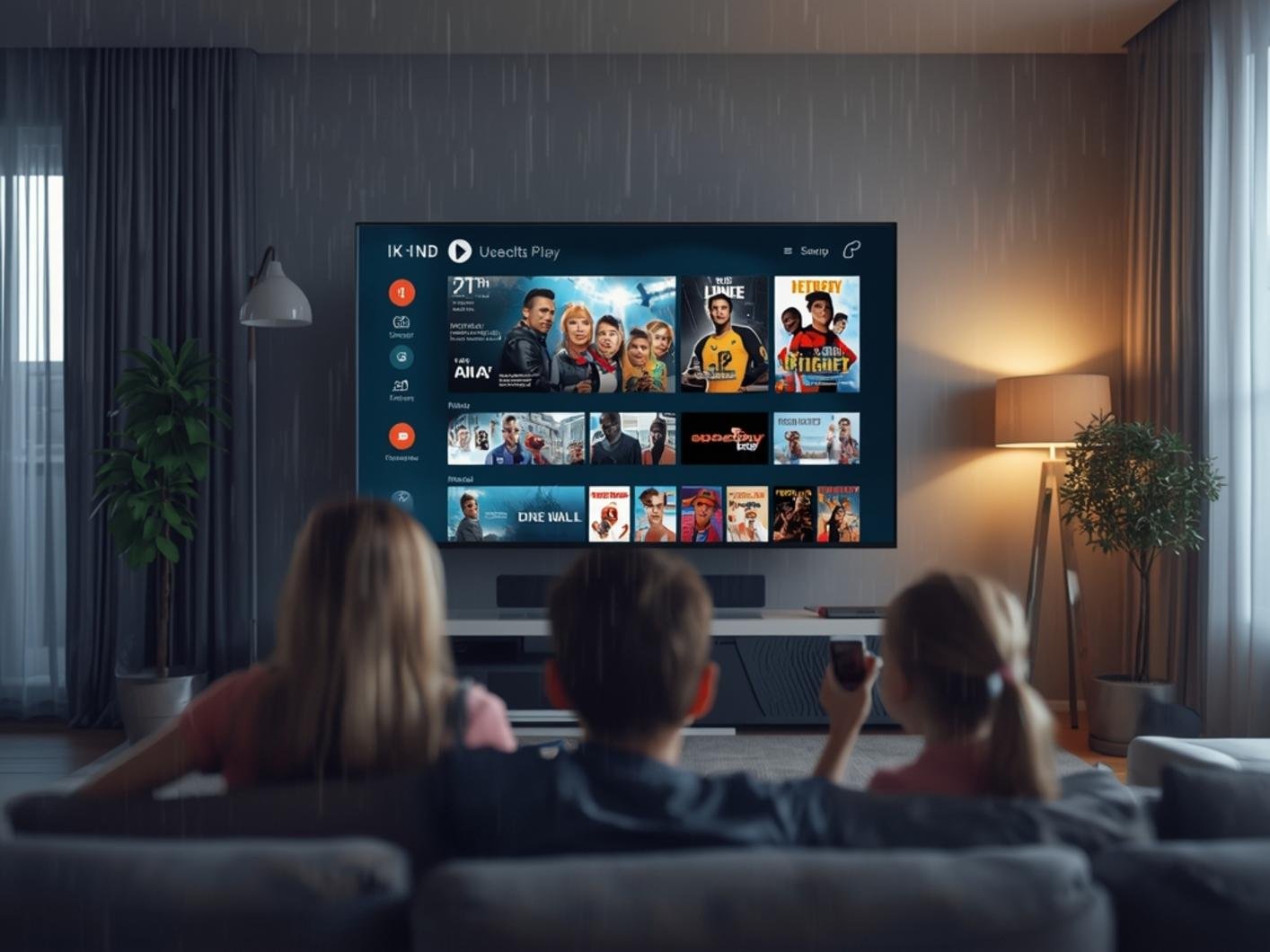
- Choose Your Device: Select a compatible device from the options covered in this guide — Smart TV, Firestick, Android box, MAG box, iPhone, iPad, Android smartphone, or PC. All are fully supported by STREMOVA.
- Request a Free 24-Hour Trial: Contact STREMOVA via WhatsApp to request a complimentary 24-hour trial with no credit card required. Receive your Xtream Codes credentials or M3U URL within minutes.
- Install Your IPTV Application: Download and install the appropriate IPTV application for your device — IPTV Smarters Pro, TiviMate, Smart IPTV, or the native MAG portal, depending on your hardware.
- Enter Your Credentials: Open the application and select ‘Add Playlist via Xtream Codes’ or ‘Add M3U URL’. Enter the server address, username, and password provided by STREMOVA exactly as shown.
- Configure EPG: Navigate to the EPG settings within your application and enter the STREMOVA EPG URL. Allow 60–90 seconds for the full programme guide to populate across all channels.
- Subscribe and Pay Securely: Once satisfied with the trial, select your preferred subscription plan. 🔒 STREMOVA accepts secure payment by debit card, credit card, and PayPal. A 30-day money-back guarantee applies to all plans.
8) Conclusion
IPTV compatibility in the UK extends across every major device category — from Samsung Smart TVs and Amazon Firesticks to MAG set-top boxes, iPhones, Android devices, and Windows PCs. There is no requirement to invest in expensive new hardware; the device you already own in your living room, bedroom, or home office is almost certainly capable of delivering premium IPTV content in HD, Full HD, 4K, or even 8K. What matters most is selecting a trustworthy, fully licensed IPTV provider and configuring your chosen application correctly using the correct M3U or Xtream Codes credentials.
STREMOVA has spent over 8 years refining its service to work reliably across the full spectrum of iptv devices used by UK subscribers from London to Glasgow. With ⭐ 18,000+ active UK subscribers, a ↩️ 30-day money-back guarantee, and 📞 24/7 WhatsApp support, STREMOVA offers a premium IPTV experience that is simple to set up, secure to purchase, and fully compliant with UK legislation and Ofcom regulations.
Whether you are replacing a legacy Sky or Virgin Media subscription or simply adding premium international channels to your Freeview setup, STREMOVA provides the channels, reliability, and support to make the transition seamless.
Frequently Asked Questions about IPTV Devices
Can I use IPTV on my existing Smart TV without buying new hardware?
Yes. If your Smart TV runs Samsung Tizen, LG webOS, or Android TV OS, you can install an IPTV application directly from your TV’s app store. Smart IPTV and IPTV Smarters Pro are compatible with all three platforms and support M3U playlist URLs and Xtream Codes credentials. No additional hardware purchase is necessary for most televisions manufactured in 2016 or later.
What internet speed do I need for IPTV in the UK?
For standard HD IPTV streaming, a minimum broadband speed of 10 Mbps is generally sufficient. Full HD content requires approximately 15–25 Mbps for consistent, buffer-free playback. 4K HEVC streams demand a sustained connection of at least 50 Mbps, and 8K content requires 80 Mbps or above. Ofcom publishes detailed guidance on UK broadband performance standards and consumer rights relating to advertised speeds.
Does IPTV work on Amazon Firestick in the United Kingdom?
Yes. Amazon Firestick devices are fully compatible with IPTV services in the UK. IPTV Smarters Pro can be installed via the Downloader application after enabling ‘Apps from Unknown Sources’ in device settings. The Fire TV Stick 4K and Fire TV Cube support 4K HDR IPTV streams at high bitrates. STREMOVA provides step-by-step WhatsApp support to guide UK subscribers through the installation process.
Is IPTV compatible with iPhone and iPad?
Yes. iPhone and iPad users can install IPTV Smarters Pro or GSE Smart IPTV from the Apple App Store. Both applications support M3U playlists, Xtream Codes login, full EPG display, VOD libraries, and catch-up television. iPadOS devices with Liquid Retina or ProMotion displays render Full HD and 4K IPTV streams with exceptional clarity on a sufficiently fast Wi-Fi connection.
What is the difference between a MAG box and an Android TV box for IPTV?
A MAG set-top box is a dedicated IPTV device that connects to an IPTV service via a Stalker Middleware portal URL, offering a streamlined, television-first interface. An Android TV box runs the full Android OS, supporting a broader range of applications — including TiviMate, IPTV Smarters Pro, and others — via the Google Play Store. Android boxes offer greater flexibility, whereas MAG devices provide a simpler, plug-and-play experience suited to users familiar with traditional set-top boxes such as Sky Q or Virgin TV 360.
Can I watch IPTV on a Windows PC or Mac?
Yes. Windows and macOS computers support IPTV through dedicated applications and web players. VLC Media Player — available from VideoLAN — can open M3U playlist URLs directly and stream live IPTV channels with full HEVC and 4K support. IPTV Smarters Pro also offers a Windows desktop application. Mac users may additionally use the IPTV Smarters Pro web interface or compatible third-party players that accept Xtream Codes credentials.

IPTV and streaming expert with over 8 years of experience in the digital television industry.Specialized in IPTV technology, streaming protocols, and legal content distribution.Writes about everything you need to know to stream optimally via the internet — from apps and devices to subscriptions and regulations worldwide.